
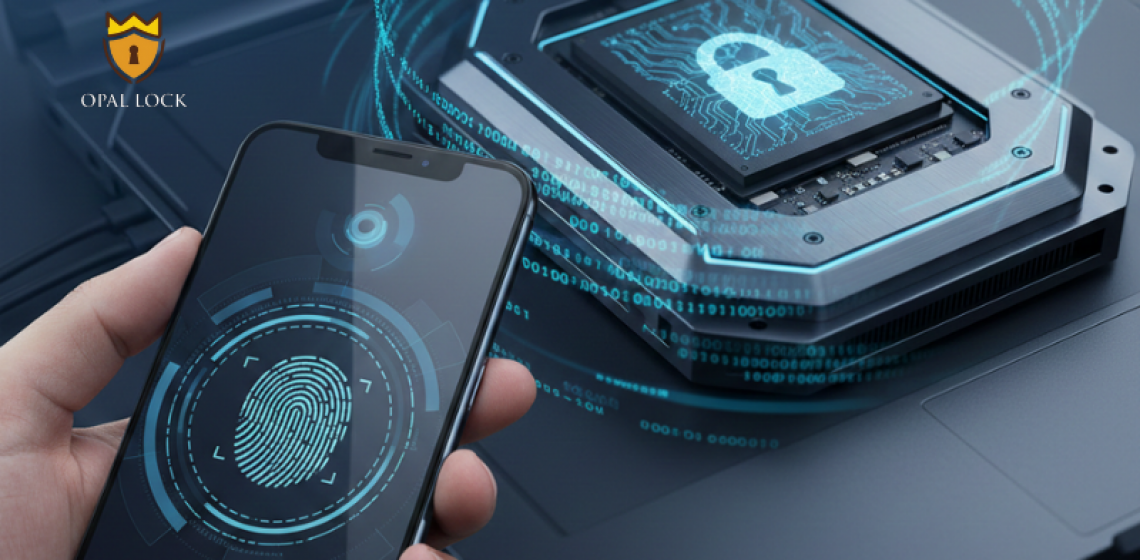
Every day, you unlock your phone with a password, fingerprint, or face ID.
You do it instinctively because your personal information matters.
But when was the last time you thought about your SSD drive or HDD drive the place where your most valuable data actually lives?
You lock your phone, but do you lock your hard drive?
That’s the blind spot most people and even companies don’t see.
And it’s where the next wave of cyber threats is hitting hardest.
Your laptop or desktop might look secure with its login password or antivirus, but here’s the truth: those tools protect your system, not your storage.
If someone removes your SSD and connects it to another computer, your files can often be accessed without restriction unless you’ve enabled hard drive encryption or are using self-encrypting disks (SEDs).
This is why Fidelity Height developed Opal Lock, a security solution that transforms your drives into self-protecting systems, ensuring that your data stays encrypted and unreadable even if your device is lost or stolen.
Passwords act like a front door key. They keep unwanted users from entering your system.
But once that door is broken or if someone physically steals your drive there’s nothing left to stop them from reading your data.
That’s where data encryption software steps in.
Encryption scrambles your information into unreadable code, ensuring that even if hackers get your data, it’s useless without the decryption key.
While a phone’s password locks the interface, hardware-based encryption locks the data itself.
Software encryption tools rely on the operating system, consuming CPU resources and slowing down your system.
Hardware encryption, on the other hand, is built directly into your SSD drive or HDD drive. It’s fast, invisible, and secure by design.
Drives with Opal standards often called Opal drives or self-encrypting disks encrypt every byte of data automatically using a chip inside the drive.
The encryption key never leaves the device, making it virtually impossible to bypass or steal.
With Opal Lock by Fidelity Height, you can activate and manage this protection instantly, creating a permanent shield for your stored data.
Every email, backup, project, and photo you save sits somewhere on your drive.
You can delete a file, but unless it’s encrypted, traces remain that can be recovered later.
That’s why encryption is not just for IT teams it’s for everyone.
Whether you’re an individual user, a small business, or an enterprise, data loss prevention software and hard drive encryption should be part of your standard setup.
Without it, even a simple repair shop could extract your private files in minutes.
SSDs are faster and more advanced than HDDs, but that speed comes with a hidden risk.
Unlike traditional drives, SSDs store data across multiple memory cells.
This makes partial recovery easier for attackers if the data isn’t encrypted.
With self-encrypting SSD drives, encryption happens instantly and automatically ensuring every piece of data is locked the moment it’s saved.
For businesses, pairing hardware encryption with data loss protection software provides complete data protection across all systems.
Most people think data protection starts with antivirus or backups.
But real protection begins at the storage level.
Data loss prevention services prevent leaks and misuse by tracking sensitive files.
Hardware encryption ensures that even if data leaves your system, it can’t be read.
When both work together, your information stays safe everywhere from the cloud to your local drive.
That’s the layered approach Fidelity Height builds into Opal Lock, blending encryption with intelligent data monitoring.
Accidental sharing, lost laptops, or insider threats these are the leading causes of data breaches today.
Data leak protection software identifies, blocks, and reports unauthorized file transfers before they happen.
When combined with hardware encryption, even if files are copied, they remain unreadable.
It’s like sending a letter in a sealed envelope and encrypted message even if intercepted, no one can understand it.
This is how organizations maintain data privacy and comply with general data protection regulations.
For businesses, especially those handling client or financial data, database protection and database activity monitoring are critical.
They allow administrators to track who accessed, modified, or exported data in real time.
Pair this with database security management and data encryption, and you get a comprehensive security infrastructure that protects both data at rest and data in motion.
It’s the difference between reacting to leaks and preventing them before they occur.
Many users still assume encryption is too technical or slows down performance.
But modern encrypted software and self-encrypting disks work automatically in the background.
Once enabled, you don’t have to manage anything.
Your files stay secure with zero impact on speed or performance.
In fact, enabling hardware-based encryption on your SSD can take less than five minutes using tools like Opal Lock.
Imagine losing your laptop at the airport.
Without encryption, your files, personal photos, documents, client information can all be recovered even if you have a login password.
Now imagine the same scenario with encryption.
Even if someone steals your device, all they see is encrypted data. A meaningless series of characters.
That’s the difference between exposure and protection.
And that’s the difference hardware encryption makes.
While full-disk encryption protects the entire drive, file encryption software adds another layer of control.
It allows users to selectively encrypt sensitive files, ensuring they stay secure when shared or stored externally.
By using data encryption software and data loss prevention software together, users gain flexibility without compromising safety.
It’s an essential feature for professionals who share files across devices or cloud platforms.
Data privacy isn’t just about compliance; it’s about trust.
Every organization from startups to hospitals must ensure that customer, employee, and partner data remains confidential.
With hardware encryption, data loss protection, and data leak protection software, privacy becomes built-in instead of an afterthought.
Solutions like Opal Lock by Fidelity Height ensure that every SSD drive or HDD drive in your system maintains encryption automatically, without manual input.
Global frameworks like GDPR and HIPAA require companies to protect sensitive data from unauthorized access.
Failing to encrypt drives can result in massive penalties.
Using self-encrypting disks that meet Opal standards ensures compliance effortlessly.
They encrypt data automatically, ensuring general data protection requirements are met even in case of device theft or disposal.
Opal Lock by Fidelity Height simplifies encryption management across multiple systems.
It allows IT teams to:
With centralized management, even large enterprises can maintain full oversight of their encrypted drives without complicating workflows.
As organizations move to SSDs for speed and reliability, many forget that security must keep pace.
Modern SSD drives store vast amounts of sensitive data often more than servers did a decade ago.
If that data isn’t encrypted, the risk multiplies.
By choosing self-encrypting SSDs paired with Opal Lock, you ensure every drive in your company becomes a sealed vault, resistant to breaches, recovery, or tampering.
Deleting files doesn’t mean they’re gone.
In unencrypted drives, deleted data can be recovered using basic recovery tools.
In hardware-encrypted drives, once the encryption key is deleted, all data becomes permanently unreadable.
This secure erase feature makes SED drives ideal for organizations that frequently replace or recycle hardware.
Encryption isn’t just for IT departments, it’s for everyone who stores digital information.
Individuals safeguard personal files.
Companies protect intellectual property, customer data, and compliance records.
By combining hardware encryption, file encryption software, and data loss protection, anyone can achieve enterprise-level security with ease.
That’s why Fidelity Height solutions are trusted across industries from healthcare to finance to education.
You wouldn’t leave your phone unlocked in public.
Then why leave your SSD unprotected?
Your data is worth more than your device.
It’s time to activate the lock you already own, the self-encrypting drive that secures everything silently in the background.
With Opal Lock by Fidelity Height, your SSD, HDD, and every storage device become your most reliable security partner.
Because your password protects your screen, but encryption protects your life’s work.
Q1. Why do I need encryption if my laptop has a password?
– A password only protects access to your system. Hardware encryption protects your data even if your drive is removed or stolen.
Q2. How does hardware encryption differ from software encryption?
– Hardware encryption happens inside the drive using a secure chip, while software encryption relies on programs that can slow performance or be bypassed.
Q3. What is a Self-Encrypting Drive (SED)?
– An SED automatically encrypts all data written to it, ensuring every file is secured without manual configuration.
Q4. How can I prevent data leaks from my SSD?
– Use data leak protection software and data loss prevention services along with hardware encryption to ensure sensitive data can’t be copied or shared without permission.
Q5. How does Fidelity Height help?
– Opal Lock by Fidelity Height enables easy activation of self-encrypting disks, centralized management, and secure data erasure across all storage devices.
Your password protects access, but encryption protects everything else.
Secure your SSD and HDD with Opal Lock by Fidelity Height. The ultimate combination of hard drive encryption and data loss prevention software.
Because your files deserve a lock stronger than a password.
Ready to buy
Activate hardware encryption on compatible Opal drives in minutes. Select your edition and complete purchase below.
