
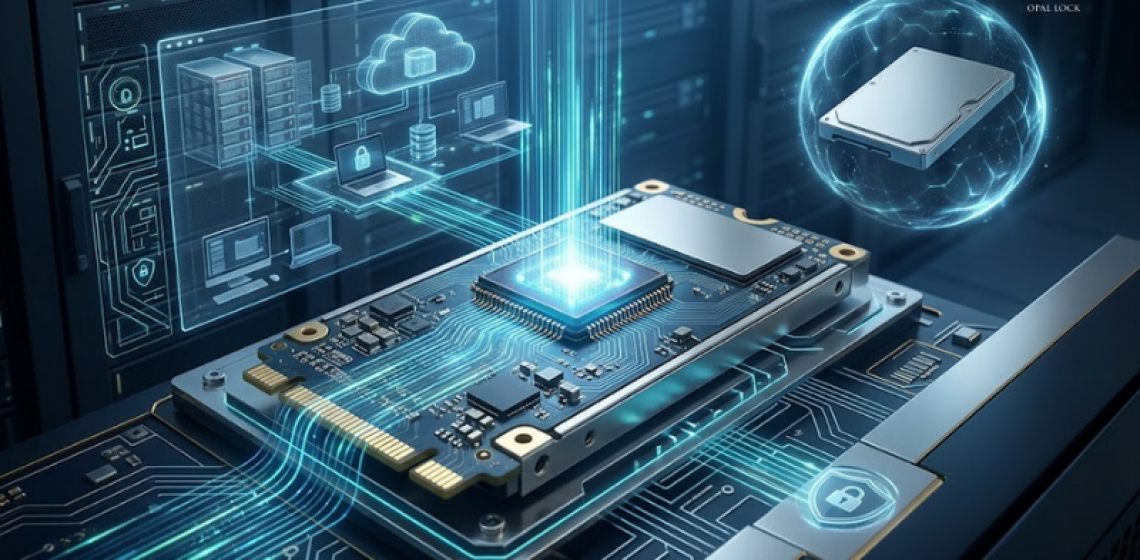
Why the encryption layer matters as much as the encryption itself.
Picture this: a laptop goes missing. It happens more often than most teams want to admit, and when it does, the question is not whether the device is gone. The question is whether the data on it is protected.
The answer depends entirely on where the encryption lives.
Software encryption has its place, but it has a structural limitation that becomes critical the moment a device leaves its owner’s hands. When a drive is removed from a machine and connected elsewhere, the operating system that software encryption depends on is no longer in the picture. The protection it offered goes with it.
Hardware-based encryption works differently. The encryption engine lives inside the drive controller itself, independent of the operating system and independent of anything running on the host. A drive protected at the hardware level stays protected regardless of what machine it is connected to, what software is running on that machine, or whether any operating system is present at all.
This is the distinction that matters in practice. According to Forrester Research’s 2023 State of Data Security report, lost or stolen devices account for 17% of all data breaches. Hardware encryption is specifically designed to make those incidents non-events.
Opal Lock by Fidelity Height is a Windows application that activates and manages the hardware encryption already built into compatible TCG Opal and Pyrite self-encrypting drives. It does not add encryption to a standard drive. It gives users and IT teams control over the encryption engine inside a compatible drive.
TCG stands for Trusted Computing Group, an industry standards body that developed the Opal Storage Specification to ensure self-encrypting drives offer strong, standardized security across manufacturers. Opal Lock is built on this standard, supporting drives conforming to TCG Opal 1.0, Opal 2.0, Pyrite 1.0, and Pyrite 2.0 across SATA, NVMe, and USB interfaces.
It is worth noting that Opal Lock is purpose-built for self-encrypting drives and is not a replacement for every software encryption deployment. The two approaches serve different needs, and some environments use both.
Because the encryption operates within the drive controller itself, it is not exposed to attacks aimed at the software or operating system layer. Connecting the drive to a different computer does not change the encryption state. The credential is the only path to the data.
Once Opal Lock configures a drive with a password, the data remains fully encrypted without it. Even if the drive is physically removed, the hardware encryption holds at the drive controller level regardless of what is done to the device around it.
Because the drive’s onboard chip handles all cryptographic operations, the host CPU carries none of that load. Encryption and decryption happen in real-time with no lag and no performance impact on the rest of the system. This is a meaningful difference from software encryption, where the encryption workload competes with every other process running on the machine.
Opal Lock manages hardware encryption from the moment a drive is set up through to its secure retirement. The core workflow covers setup and password configuration, lock and unlock operations, pre-boot authentication on supported editions, on-drive audit log access, and cryptographic erase with a Certificate of Sanitization.
Pre-boot authentication, available on Standard and Premium editions, allows a drive to remain locked until credentials are provided before the operating system loads. This means authentication happens at the hardware level, before Windows starts, rather than through a software login screen after the OS has already begun reading the drive.
When a drive reaches end of life, Opal Lock performs cryptographic erase: the encryption key is deleted and all data on the drive becomes permanently unrecoverable. The Certificate of Sanitization generated after this process provides documented evidence for compliance and decommissioning purposes.
Opal Lock is available in four editions. USB covers external USB-mounted Opal drives, supporting up to five drives with setup, lock, unlock, and sanitization workflows. Standard adds internal and system drive support along with pre-boot authentication. Premium includes everything in Standard and adds multi-drive operations and a second password with limited authority. Lite is a separate unlock-only license for recipients of shared encrypted USB drives.
For hardware manufacturers shipping systems with Opal SEDs, Fidelity Height also offers OEM licensing to have Opal Lock pre-installed and ready out of the box. Teams interested in that path can reach out directly through fidelityheight.com/contact-us.
The IBM Cost of a Data Breach Report 2025 put the global average cost of a data breach at $4.44 million, with more than half of all breaches involving customer personally identifiable information. Protecting data at the hardware level, before it can be exposed, is one of the clearest ways to reduce that risk at the source.
Hardware encryption with Opal Lock does not add complexity to achieve this. The encryption is already inside compatible drives. Opal Lock activates it and gives teams the controls to manage it consistently across their fleet.
Compare Opal Lock editions at fidelityheight.com/shops/
Sources: Forrester Research, State of Data Security 2023 | IBM Cost of a Data Breach Report 2025 | Fidelity Height
Ready to buy
Activate hardware encryption on compatible Opal drives in minutes. Select your edition and complete purchase below.
