
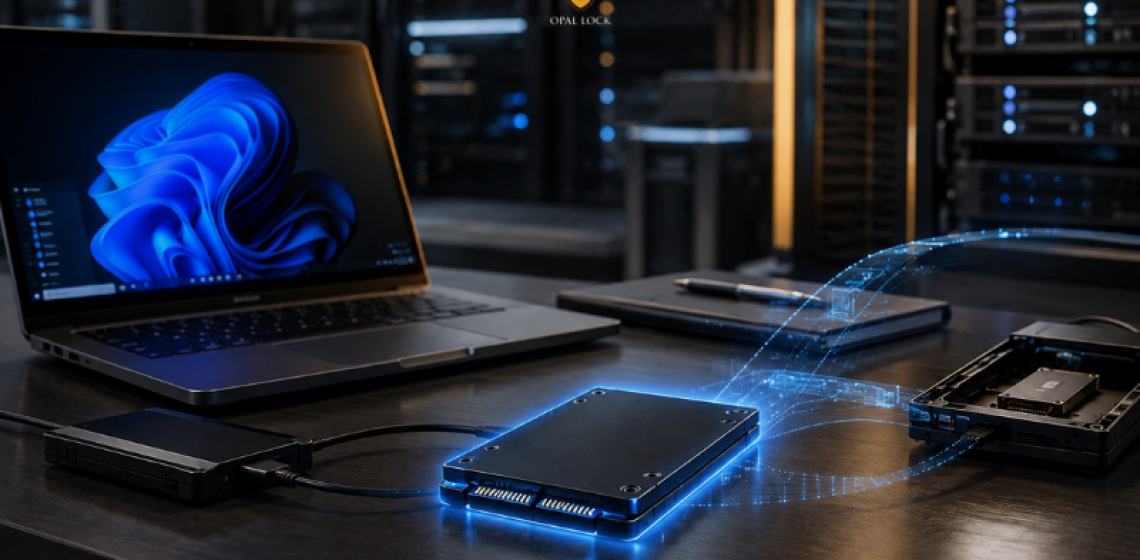
Both encrypt your drive. They do it at different layers, with different consequences when something goes wrong.
BitLocker is the encryption tool most Windows users know. It is built into Windows, it is free, and it works without any additional hardware. For many teams, it is the default choice simply because it is already there.
TCG Opal is something different. It is a hardware standard built into the drive itself, and it operates independently of the operating system and everything running on top of it.
The two are often treated as alternatives. In some scenarios they are. In others, they are solving different parts of the same problem. What follows is a clear breakdown of how each one works, where each one falls short, and how to decide which one your environment actually needs.
This is the most important distinction between the two, and everything else follows from it.
BitLocker is software encryption. It runs through the Windows operating system and uses the CPU to encrypt and decrypt data. The encryption depends on the OS being present and functioning. If the OS is bypassed, corrupted, or the drive is removed from the machine and connected to another system, the protection BitLocker provides can be undermined.
TCG Opal is hardware encryption. The encryption engine lives inside the drive controller. It encrypts data as it is written and decrypts it as it is read, entirely at the hardware level. The OS has no role in that process. If the drive is removed from the machine and connected to another system, the encryption holds at the drive controller level regardless of what the new host does.
This is the meaningful difference. Software encryption protects data through the operating system. Hardware encryption protects data through the drive itself.
Both BitLocker and TCG Opal can require authentication before the operating system loads, but they handle it differently.
BitLocker’s pre-boot authentication is tied to the Windows environment. It typically works in conjunction with a TPM chip on the motherboard and optionally requires a PIN or USB key at startup.
TCG Opal pre-boot authentication works at the drive level. Opal Lock writes a pre-boot image to the drive’s Shadow MBR, a reserved area on compatible drives that holds a small bootable environment. When the machine starts, this environment loads before Windows and requires the correct password before the OS is allowed to load. The authentication is anchored to the drive, not the motherboard or the Windows environment.
The practical difference shows up when a drive is moved to a different machine. A BitLocker-protected drive moved to a new system may require a recovery key tied to the original Windows environment. A TCG Opal drive set up with Opal Lock stays locked at the hardware level regardless of which machine it is connected to.
BitLocker uses the CPU to handle encryption and decryption. On modern hardware this overhead is minimal, but it is present.
TCG Opal encryption runs inside the drive controller and does not use the CPU. There is no performance overhead. The encryption is transparent to the system and does not affect read or write speeds.
BitLocker does not produce drive-level audit logs. Any activity logging happens at the OS or application level and is therefore subject to whatever happens to the host system.
TCG Opal drives maintain their own on-board event log stored inside the drive itself. Opal Lock provides access to this log through the View Audit Log feature. Because the log is stored on the drive rather than in the OS, it persists even if the host system is wiped, reimaged, or replaced. This makes it directly useful for compliance reviews and incident response documentation.
When a TCG Opal drive is cryptographically erased using Opal Lock, a Certificate of Sanitization is generated. This provides documented, verifiable evidence that the drive was securely wiped, which BitLocker does not produce.
BitLocker does not offer a direct equivalent to cryptographic erase. Removing BitLocker encryption from a drive and then deleting the data does not guarantee the data is unrecoverable.
TCG Opal drives support cryptographic erase: the encryption key is deleted, and all data on the drive becomes permanently unreadable without any need to overwrite the physical storage. On Opal Lock, this can be performed using the admin password or the PSID printed on the drive label. A Certificate of Sanitization is generated automatically after a successful erase.
BitLocker works on any Windows-compatible drive. No specific hardware is required beyond the OS and, in most configurations, a TPM chip.
TCG Opal requires a drive that conforms to the TCG Opal or Pyrite specification. Not all drives qualify. Compatible drives carry a PSID printed on the drive label. Opal Lock supports drives conforming to TCG Opal 1.0, Opal 2.0, Pyrite 1.0, and Pyrite 2.0 across SATA, NVMe, and USB interfaces.
BitLocker is a practical choice when the environment does not include TCG Opal-compatible drives, when the existing Windows and TPM infrastructure makes it the straightforward deployment, or when the use case does not require hardware-level audit trails or cryptographic erase certificates.
TCG Opal with Opal Lock is the appropriate choice when protection needs to hold at the drive level regardless of OS state, when drives move between machines or are used in high-risk environments, when compliance requires documented sanitization evidence, or when audit logs that survive OS events are needed.
It is worth noting that Opal Lock is purpose-built for self-encrypting drives and is not a replacement for every BitLocker-style deployment. The two can also coexist: BitLocker can operate alongside TCG Opal encryption on the same drive in some configurations, providing layered protection.
Opal Lock is a Windows application that activates and manages the hardware encryption already built into compatible TCG Opal and Pyrite drives. It does not add encryption to a standard drive. It gives users and IT teams control over the encryption engine inside a compatible drive, covering setup, locking and unlocking, pre-boot authentication, audit log access, and cryptographic erase with sanitization documentation.
For teams evaluating whether TCG Opal is the right fit for their environment, the Opal Lock edition comparison is a useful starting point.
Compare Opal Lock editions at fidelityheight.com/shops/
Ready to buy
Activate hardware encryption on compatible Opal drives in minutes. Select your edition and complete purchase below.
