
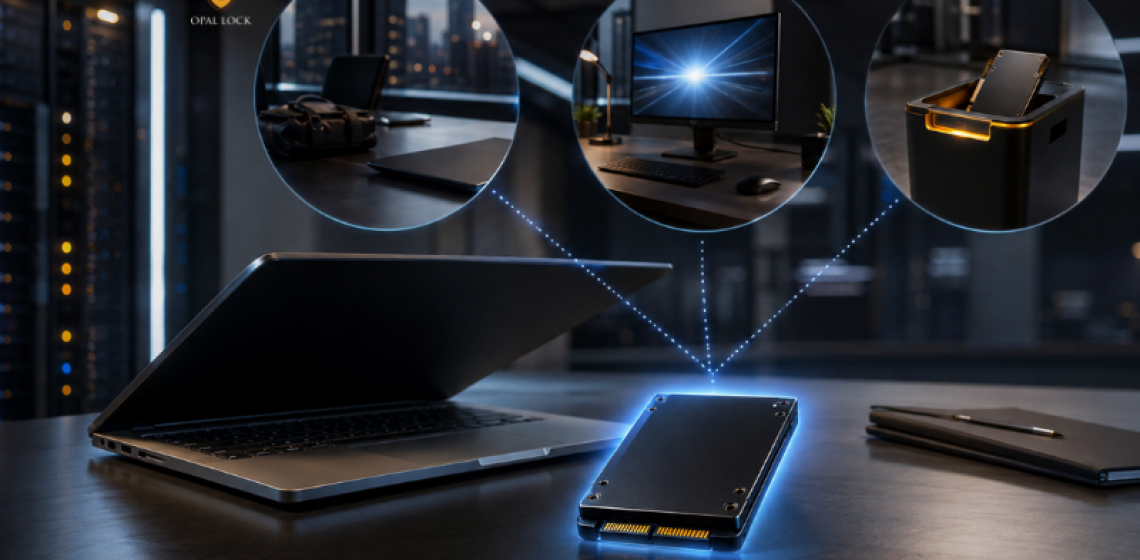
The difference between the two is not just technical. It shows up in the moments that matter most.
Most teams assume their encryption is working until something tests it. A device goes missing. A drive gets pulled from a machine. A system gets wiped before anyone thought to check what was on it.
These are the moments where the difference between hardware encryption and software encryption becomes real. Not in a spec sheet comparison, but in what actually happens to the data.
What follows is a look at three common scenarios and what each encryption approach does, or fails to do, when they occur.
This is the most common test of any encryption setup, and it is the one most teams find out they were not prepared for.
With software encryption, the protection depends on the OS being the access point. If the device is lost and the attacker can boot the machine normally or bypass the Windows login, the encryption layer may offer little resistance. If the drive is removed and placed in another machine, the OS that the software encryption depended on is no longer in the picture at all.
With hardware encryption on a TCG Opal drive set up through Opal Lock, the drive remains locked at the drive controller level regardless of what happens to the host. Removing the drive from the machine changes nothing. Connecting it to another system changes nothing. Without the correct credentials, the data is unreadable. The encryption does not depend on the OS being present or intact. It holds at the hardware level.
Teams reimage machines regularly. Drives get wiped, operating systems are replaced, and systems are redeployed. In these situations, OS-level records including logs, access history, and software encryption state can disappear entirely.
Software encryption tied to the OS has no audit trail that survives this. Once the OS is gone, so is any record of what happened on that drive.
A TCG Opal drive maintains its own on-board event log stored inside the drive controller itself, not in the OS. Opal Lock provides access to this log through the View Audit Log feature. Because the log lives on the drive, it persists through OS wipes, reimaging events, and system replacements. It is there when it needs to be produced for a compliance review or an incident investigation, regardless of what happened to the host system.
Old devices get reassigned, resold, or recycled. A drive that held sensitive data needs to be cleaned before it leaves the organization. This is where most teams discover that their decommissioning process has a gap.
Software encryption does not offer a direct equivalent to cryptographic erase. Removing software encryption and deleting files does not make the underlying data unrecoverable in the same reliable way. What looks like a wiped drive may still carry recoverable data.
A TCG Opal drive supports cryptographic erase at the hardware level. Opal Lock performs this operation by deleting the encryption key, making all data on the drive permanently unrecoverable without needing to overwrite the physical storage. After a successful erase, Opal Lock generates a Certificate of Sanitization, providing documented evidence that the drive was securely wiped. That certificate is the record an auditor, a regulator, or a compliance team can actually work with.
Neither approach is wrong in every situation. Software encryption works in environments where drive-level control, audit trails, and cryptographic erase are not requirements, and where the existing infrastructure makes it the natural choice.
Hardware encryption through TCG Opal is the right fit when protection needs to hold regardless of OS state, when drives move between machines or are used in environments where device loss is a real risk, when compliance requires a per-drive audit trail that survives system events, or when decommissioning needs to be documented and defensible.
The two can also work alongside each other. Hardware and software encryption are not mutually exclusive, and some environments use both as complementary layers.
Opal Lock is a Windows application that activates and manages the hardware encryption already built into compatible TCG Opal and Pyrite drives. It does not add encryption to a standard drive. It gives users and IT teams the controls to manage that encryption across the full drive lifecycle, from first setup through locking, auditing, and cryptographic erase with a Certificate of Sanitization.
For environments with TCG Opal-compatible drives that have never been activated, that is where the gap is, and that is what Opal Lock is built to close.
Compare Opal Lock editions at fidelityheight.com/shops/
Ready to buy
Activate hardware encryption on compatible Opal drives in minutes. Select your edition and complete purchase below.
