
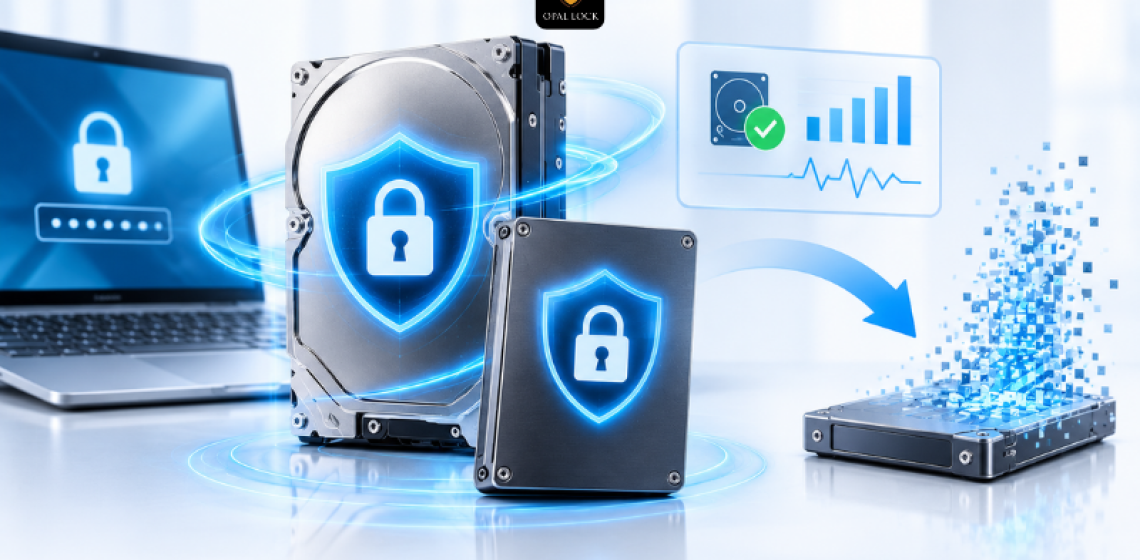
From first setup to final erase, here is what managing a self-encrypting drive actually looks like.
Most organizations assume their drive security is working until something tests it. A device goes missing. A drive gets pulled from a machine. A system gets wiped. These are the moments when software-level security fails and hardware encryption holds.
Opal Lock by Fidelity Height is TCG Opal encryption software for Windows. It activates and manages the hardware-based drive encryption already built into compatible TCG Opal and Pyrite self-encrypting drives (SEDs), whether hard drives or SSDs. It does not add encryption to a standard drive. It gives users and IT teams control over the encryption engine inside a compatible Opal drive, across the full drive lifecycle.
TCG stands for Trusted Computing Group, the standards body that defines how hardware-based encryption works at the drive level. Drives built to TCG Opal 1.0, Opal 2.0, Pyrite 1.0, or Pyrite 2.0 include an encryption engine inside the drive controller that operates independently of the host system. Opal Lock activates that engine, configures it, and gives the user control over who can access the drive and under what conditions.
Opal Lock scans the system, identifies compatible drives, and displays their current status before any configuration begins. The user sets a password to enable locking. From that point, the drive requires authentication to unlock, and on Standard and Premium editions, that authentication, known as pre-boot authentication, happens before the operating system loads.
A configured drive locks automatically on every power cycle and can also be locked manually from within the application. Unlocking works through a pre-boot environment on the drive itself, a bootable recovery USB, or a separate unlocked Windows system. Opal Lock Premium and Lite both support USB Password authentication, where a password saved to a USB drive authenticates automatically on insertion.
The Query Drive feature displays the drive’s current state, locked ranges, and credentials. The View Audit Log feature provides access to the drive’s on-board event log, which is stored on the drive itself rather than in the OS. Because the log lives on the drive, it persists through OS wipes and system replacements, making it directly useful for compliance reviews and incident response.
When a hard drive or SSD is retired, Opal Lock performs cryptographic erase: the encryption key is deleted and all data becomes permanently unrecoverable. The operation works using the admin password or the PSID printed on the drive label. A Certificate of Sanitization is generated automatically after a successful erase, providing documented evidence of secure data erasure for compliance and audit purposes.
Opal Lock Premium includes the Multidrive Feature, which allows setup, password changes, and lock or unlock operations to be run across multiple drives in a single step. Premium also supports a second password with limited authority, useful in deployments where an administrator and an end user need separate access levels on the same drive.
Software encryption depends on the OS being present and intact. If the OS is bypassed or the drive is removed and connected to another machine, that protection can be circumvented. Hardware-based drive encryption in a TCG Opal drive lives inside the drive controller and does not depend on the OS at all. A drive set up with Opal Lock remains locked and unreadable regardless of which machine it is connected to or what operating system is running on it.
As HDD and SSD security software, Opal Lock makes the hardware encryption already inside a compatible self-encrypting drive usable, auditable, and manageable from first setup to final cryptographic erase. It gives users and IT teams the controls and the paper trail that real drive security requires.
Compare Opal Lock editions at fidelityheight.com/shops/
What is Opal Lock? Opal Lock by Fidelity Height is hard drive encryption software and SSD encryption software for Windows. It activates and manages the hardware encryption already built into compatible TCG Opal and Pyrite self-encrypting drives. It does not add encryption to a standard drive.
Can Opal Lock be used as data erasure software? Yes, on compatible drives. Opal Lock works as hard drive data erasure software and SSD data erasure software by performing cryptographic erase, which deletes the encryption key so all data becomes permanently unrecoverable. A Certificate of Sanitization is generated after a successful erase.
How does secure hard drive erasure work with Opal Lock? The erase works using the admin password or the PSID printed on the drive label. Once the encryption key is deleted, the data cannot be recovered.
Why does hardware-based drive encryption hold where software cannot? Hardware-based drive encryption in a TCG Opal drive lives inside the drive controller and does not depend on the OS. A drive set up with Opal Lock remains locked regardless of which machine it is connected to.
Ready to buy
Activate hardware encryption on compatible Opal drives in minutes. Select your edition and complete purchase below.
