
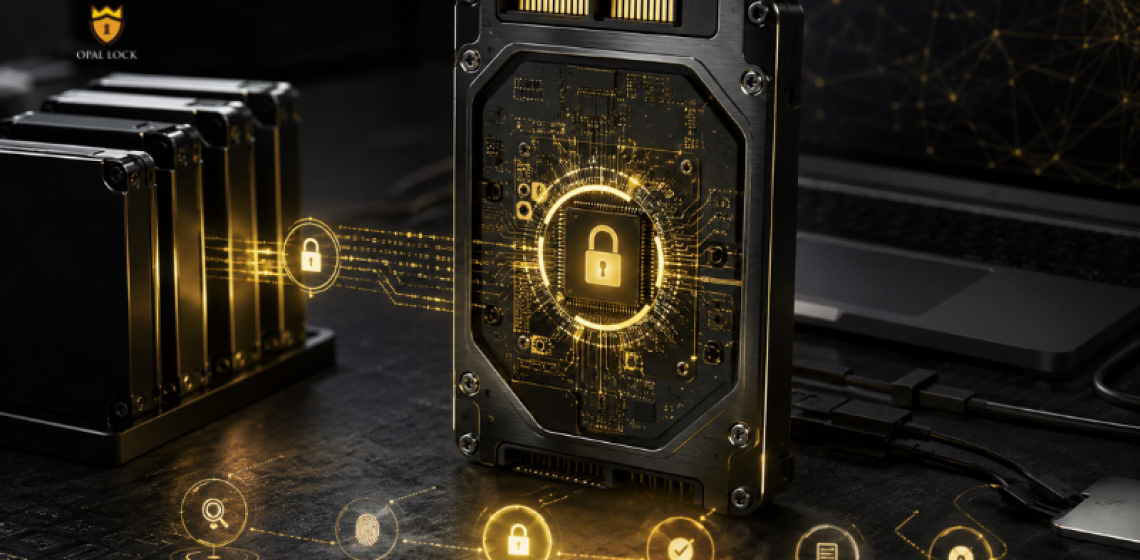
From first setup to final erase, here is what managing a self-encrypting drive actually looks like.
Most organizations assume their drive security is working until something tests it. A device goes missing. A drive gets pulled from a machine. A system gets wiped. These are the moments when software-level security fails and hardware encryption holds.
Opal Lock by Fidelity Height is a Windows application that activates and manages the encryption already built into compatible TCG Opal and Pyrite self-encrypting drives. It does not add encryption to a standard drive. It gives users and IT teams control over the encryption engine inside a compatible drive, across the full drive lifecycle.
TCG stands for Trusted Computing Group, the standards body that defines how hardware-based encryption works at the drive level. Drives built to TCG Opal 1.0, Opal 2.0, Pyrite 1.0, or Pyrite 2.0 include an encryption engine inside the drive controller that operates independently of the host system. Opal Lock activates that engine, configures it, and gives the user control over who can access the drive and under what conditions.
Opal Lock scans the system, identifies compatible drives, and displays their current status before any configuration begins. The user sets a password to enable locking. From that point, the drive requires authentication to unlock, and on Standard and Premium editions, that authentication happens before the operating system loads.
A configured drive locks automatically on every power cycle and can also be locked manually from within the application. Unlocking works through a pre-boot environment on the drive itself, a bootable recovery USB, or a separate unlocked Windows system. Opal Lock Premium and Lite both support USB Password authentication, where a password saved to a USB drive authenticates automatically on insertion.
The Query Drive feature displays the drive’s current state, locked ranges, and credentials. The View Audit Log feature provides access to the drive’s on-board event log, which is stored on the drive itself rather than in the OS. Because the log lives on the drive, it persists through OS wipes and system replacements, making it directly useful for compliance reviews and incident response.
When a drive is retired, Opal Lock performs cryptographic erase: the encryption key is deleted and all data becomes permanently unrecoverable. The operation works using the admin password or the PSID printed on the drive label. A Certificate of Sanitization is generated automatically after a successful erase, providing documented evidence for compliance and audit purposes.
Opal Lock Premium includes the Multidrive Feature, which allows setup, password changes, and lock or unlock operations to be run across multiple drives in a single step. Premium also supports a second password with limited authority, useful in deployments where an administrator and an end user need separate access levels on the same drive.
Software encryption depends on the OS being present and intact. If the OS is bypassed or the drive is removed and connected to another machine, that protection can be circumvented. Hardware encryption in a TCG Opal drive lives inside the drive controller and does not depend on the OS at all. A drive set up with Opal Lock remains locked and unreadable regardless of which machine it is connected to or what operating system is running on it.
Opal Lock makes the encryption already inside a compatible drive usable, auditable, and manageable from first setup to final erase. It gives users and IT teams the controls and the paper trail that real drive security requires.
Compare Opal Lock editions at fidelityheight.com/shops/
Ready to buy
Activate hardware encryption on compatible Opal drives in minutes. Select your edition and complete purchase below.
